



MAYA
Professional precision in motorcycle ECU mapping
GET TECHNOLOGY — MAYA
The GET software for programming and calibrating motorcycle ECUs
MAYA brings together all the tools needed to configure, monitor and customise compatible GET motorcycle ECUs within a single platform.
Available in EVO, Advanced and Tuner license levels, the software provides access to different features depending on the ECU being used and the level of tuning required—from essential operations to professional calibration.
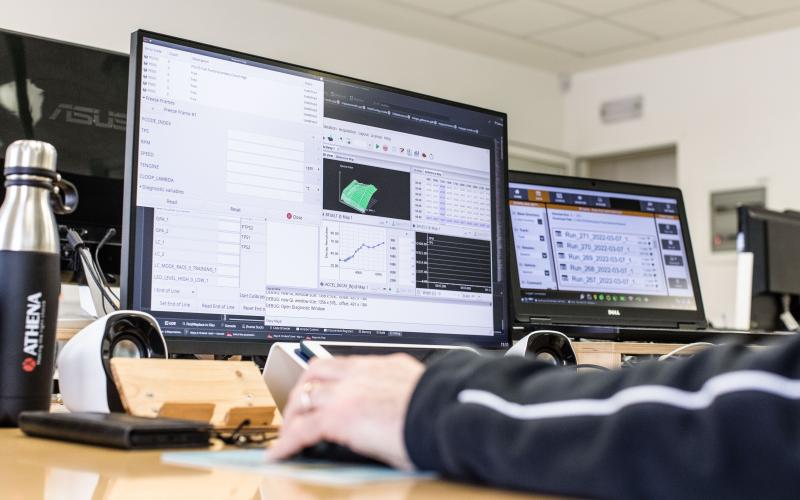
Compatible with GET SX1 PRO, RX1 PRO, CDI and ECULMB control units.
Designed to make tuning more precise and efficient
MAYA supports tuners, specialist workshops and racing teams throughout the different stages of ECU configuration and tuning.
Its integrated tools help reduce setup time, streamline work sessions and provide greater control over engine parameters.
Developed for professional use and also employed in top-level competitions, including MXGP and AMA Supercross, MAYA technology combines racing expertise with advanced calibration tools.

CONTROL
EFFICIENCY
RACING EXPERTISE
MAYA FEATURES
All the control you need for precise tuning
MAYA provides dedicated tools for calibration, map management and ECU performance analysis.
The features available may vary depending on the ECU model and the license level selected.
-

CALIBRATION
Modification and management of injection timing, advance, lambda, rev limiter, and speed limiter. -

DIAGNOSTICS
Quickly identify and resolve faults. -

MAPS
Upload custom maps tailored to the specific needs of your motorcycle. -

REAL-TIME
Monitor data and performance during tuning. -

SAFETY
password to keep your configurations safe
What do you need to use MAYA?
To connect and program your GET control unit, check these 4 elements:

GUIDED SELECTION: START WITH YOUR ECU
Which GET ECU are you using?
Select your ECU to discover the compatible MAYA licenses and the available calibration level.
-
 SX1 PRO
 -
RX1 PRO
-
-
ECULMB
THE 3 MAYA LICENSE LEVELS
Find the license level that best suits your needs
-
 MAYA EVO
 -
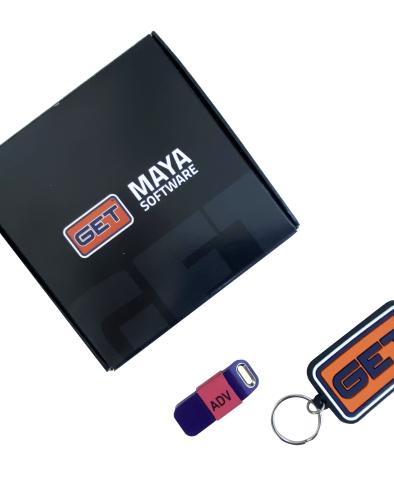
MAYA ADVANCED
-
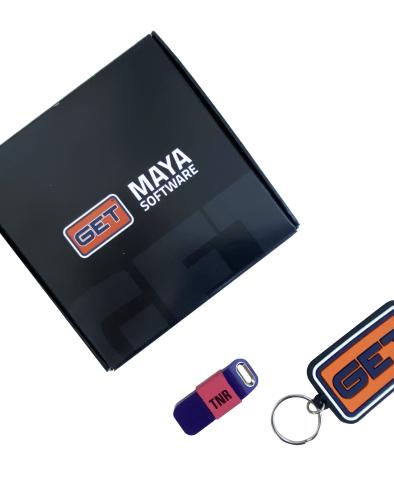
MAYA TUNER
MAYA EVO
Get started with the software and its essential features
MAYA EVO is the free version of the software and does not require a physical licence key. It provides access to basic calibration functions for compatible CDI, RX1 PRO and ECULMB control units.
Compatible ECUs: CDI, RX1 PRO and ECULMB.
MAYA ADVANCED
Greater control for workshops, tuners and advanced users
MAYA Advanced provides full calibration capabilities for CDI, RX1 PRO and ECULMB ECUs. With SX1 PRO ECUs, it provides access to the system’s basic calibration features.
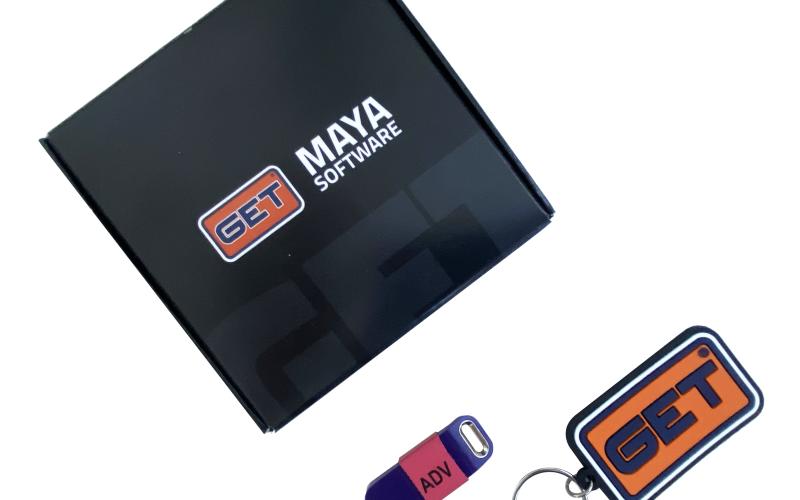
Compatible ECUs: SX1 PRO, CDI, RX1 PRO and ECULMB.
MAYA Tuner
The highest level of control for SX1 PRO ECUs
MAYA Tuner unlocks the full range of professional software features, enabling complete and highly customised configuration of SX1 PRO ECUs.
Designed for professional tuners, engine specialists and racing teams, it is the solution for users who require the highest level of calibration control.
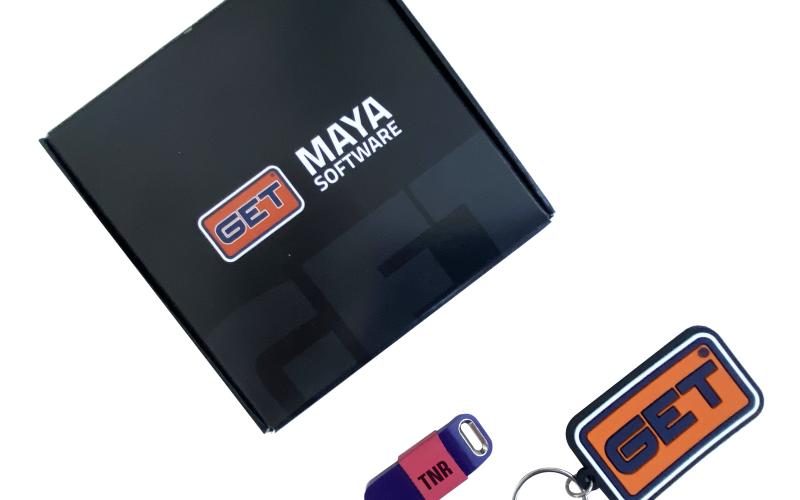
Compatible ECUs: SX1 PRO.
Consult the technical comparison table to review the features available with MAYA EVO, Advanced and Tuner, and determine which calibration level is compatible with your GET ECU. Once you have selected your license, you can also identify the programming harness required to connect MAYA to your ECU.
BUYING GUIDE
Programming wiring and connectors available separately
DOWNLOAD THE MAYA INSTALLATION FILE
HW requirements: Windows 10/ Windows 11 compatible hardware and x2 free USB-A ports (one for the license key and the other for the ECU adapter).

HOW TO
Discover all MAYA video tutorials 🎓
Watched the first video? Great! But that’s just the beginning.
Now click on the icon at the top right corner of the video to access the full playlist of official tutorials!
The GIF on the side will show you exactly how to find all the videos in a few clicks.
👉 Each video will guide you step by step through the advanced features of the MAYA software.